







Live webinar 26 Nov, 11:00 GMT: Setting up your Copilot the right way →
Claude

Build Claude capability across your organisation

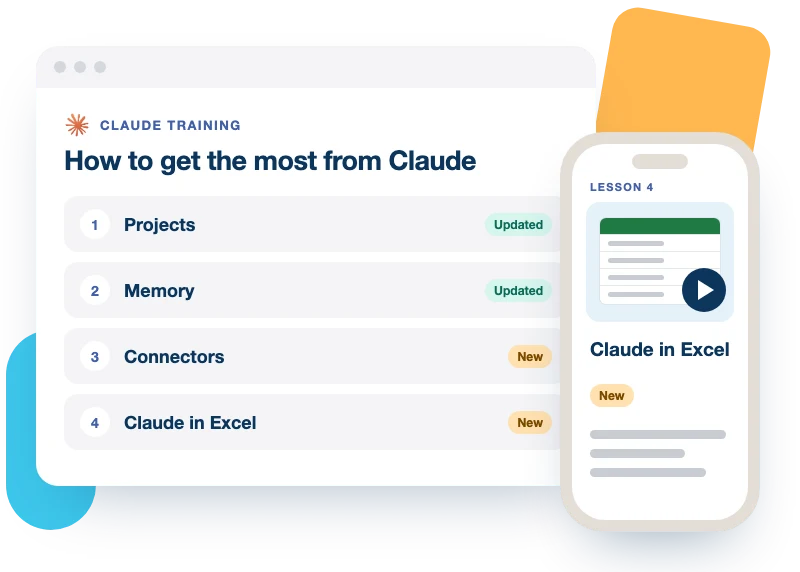
Four progressive courses that take people from structured Projects to connected tools, reusable Skills and controlled automation.

Built for a team rollout

4progressive courses
31expert-led videos
2levels, intermediate and advanced
SCORM‑readyfor your LMS

Trusted by 1,000+ organisations

Leonardo HotelsAOAPMBodenNorth West LondonCity of WestminsterGB RailfreightInstitute of Employability ProfessionalsCurrysNorth East

Four courses, from everyday use to automation

  1. Course 1 · 7 videosUsing Claude Projects
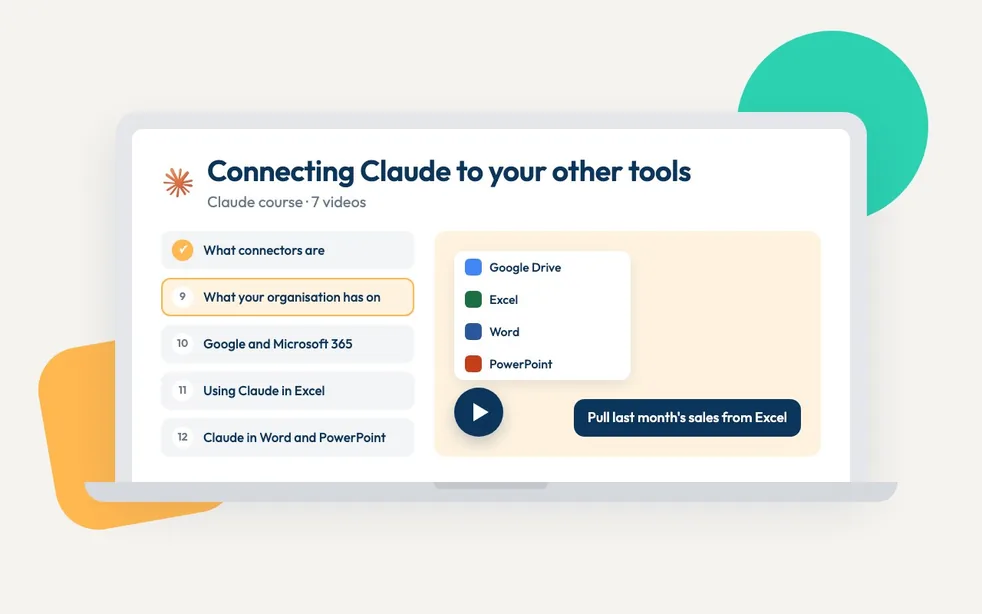
  2. Course 2 · 7 videosConnecting Claude to your other tools
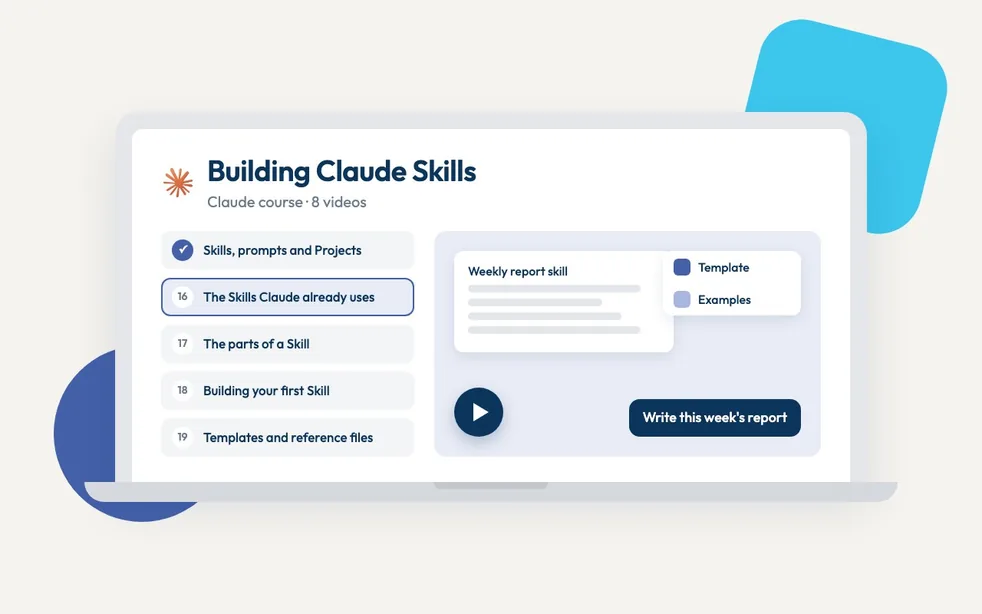
  3. Course 3 · 8 videosBuilding Claude Skills
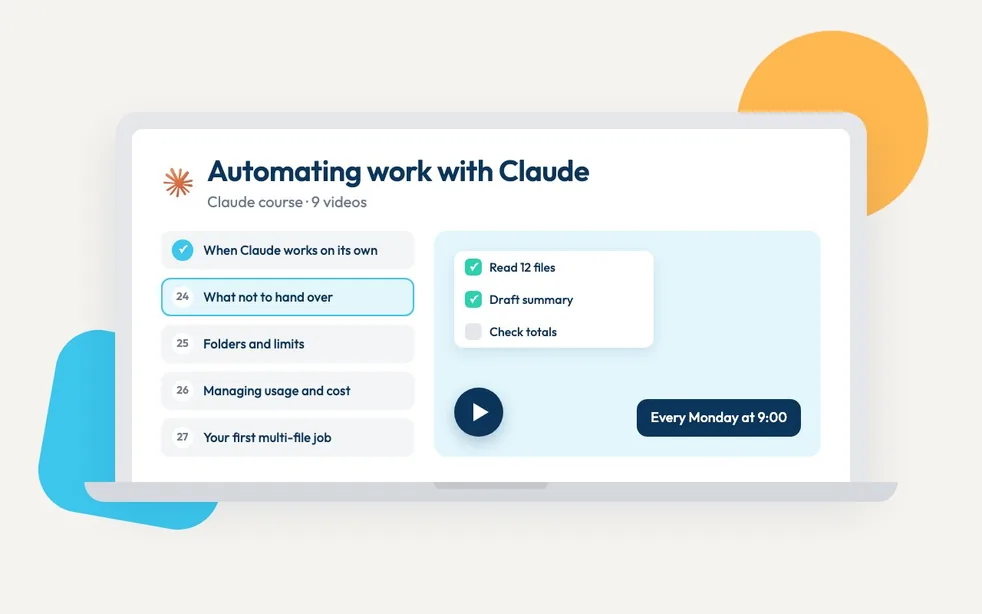
  4. Course 4 · 9 videosAutomating work with Claude
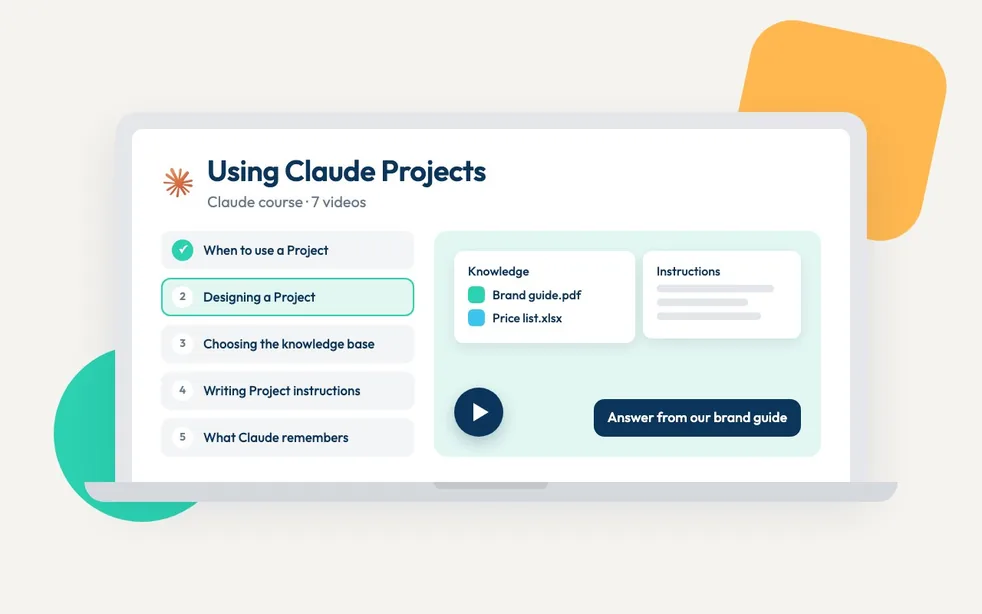
The Using Claude Projects course on a laptop: its first five videos down the side and the lesson video beside them
1

Using Claude Projects

Intermediate · 7 videos

Decide when you need a Project, design it part by part, keep it working, then share it with your team.

  1. 01When to use a Project instead of a normal chat
  2. 02Designing a Project: the parts and how they fit
  3. 03Choosing what goes in the knowledge base
  4. 04Writing Project instructions
  5. 05Managing what Claude has remembered about a Project
  6. 06Fixing a Project that has stopped being useful
  7. 07Sharing a Project with your team
The Connecting Claude to your other tools course on a laptop: its first five videos down the side and the lesson video beside them
2

Connecting Claude to your other tools

Intermediate · 7 videos

Bring your tools into Claude, take Claude into your tools, then pull it together in one place.

  1. 08What connectors are, and which ones to trust
  2. 09What your organisation has switched on
  3. 10Connecting Google Workspace and Microsoft 365
  4. 11Using Claude in Excel
  5. 12Using Claude in Word and PowerPoint
  6. 13Letting Claude use a browser
  7. 14Building a dashboard that updates from your tools
The Building Claude Skills course on a laptop: its first five videos down the side and the lesson video beside them
3

Building Claude Skills

Advanced · 8 videos

See a Skill working, look inside one, build your own, then check, share and look after them.

  1. 15How Skills differ from prompts and Projects
  2. 16The Skills Claude already uses
  3. 17The parts of a Skill and what each one does
  4. 18Building your first Skill
  5. 19Adding templates and reference files
  6. 20Installing Skills from a marketplace
  7. 21Bundling Skills and connectors into a plugin
  8. 22Looking after a Skill library
The Automating work with Claude course on a laptop: its first five videos down the side and the lesson video beside them
4

Automating work with Claude

Advanced · 9 videos

Decide what to automate, set it up, check what Claude did, then turn the results into something people can use.

  1. 23What changes when Claude works on its own
  2. 24Deciding what not to hand over
  3. 25Connecting folders and setting limits
  4. 26Managing usage and cost
  5. 27Running your first multi-file job
  6. 28Splitting a job across sub-agents
  7. 29Setting up scheduled and recurring tasks
  8. 30Checking work you did not watch happen
  9. 31Turning results into something to share with Claude Design
Tiffany Bayliss

Meet your course lead, Tiffany Bayliss

Claude trainer and AI educator

Tiffany is an AI educator and knowledge architect. She works on how people and organisations capture and structure what they know, so that AI understands it well enough for them to use it and build on it.

She spent eight years designing legal learning, holds law degrees from England and Spain, and was named one of Learning Technologies' 30 Under 30 in 2024.

She founded Build Your Better Brain, a programme that teaches professionals to build AI systems around the way they think and work, and facilitates AI literacy sessions for organisations across the UK, Europe and the US. In July 2026 she spoke at a UK Houses of Parliament roundtable on Safety by Design in AI.

Built for distribution at scale

Platform compatible. Deploy across LMS, LXP and partner ecosystems. Simple to integrate and scale.

Platform-ready

Compatible with leading platforms. Fast deployment with minimal technical overhead.

Logos of learning platforms the courses run on, including Docebo, Workday and SAP

Commercially proven

Used by enterprise clients and trusted partners to drive sustained engagement.

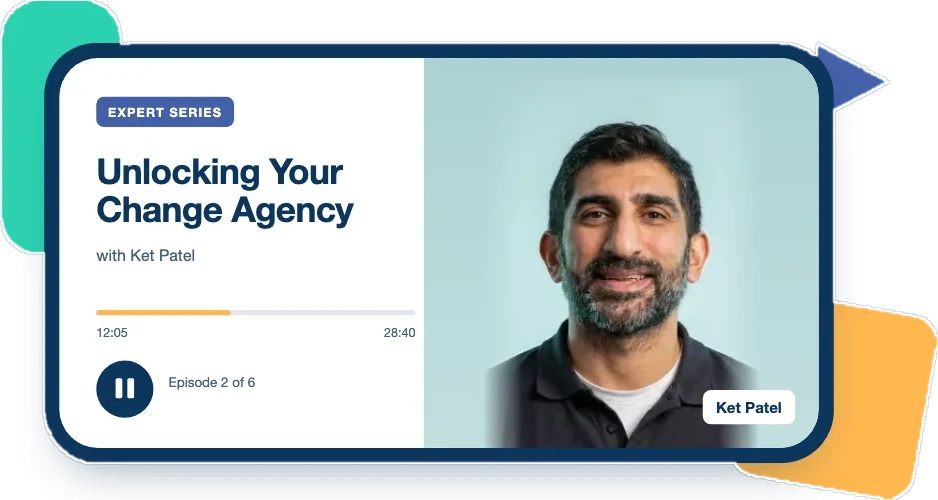
An Expert Series episode playing in the Assemble You app: Unlocking Your Change Agency with Ket Patel, episode 2 of 6

Continuously updated

Fresh releases, evolving topics and rapid iteration: learning that never goes stale.

Three phones showing Assemble You lessons: an audio course, a podcast episode and an Excel video short

Pair it with the AI Confidence Method

Claude training teaches people what the tool can do. The AI Confidence Method teaches them when to trust an output, when to check it and when a person needs to take over.

Together, they help your workforce move from using AI to using it well.

Using Microsoft Copilot too?

Short courses covering Copilot Studio, Copilot Agents, Copilot with Teams, Excel, PowerPoint, Outlook and Copilot Cowork.

Microsoft Copilot training

FAQs

Which Claude plans or features are required?

Learners need a paid Claude plan. The lowest paid plan covers what the courses teach.

Course 2 includes a lesson on checking which features your organisation has switched on.

Can we use our own LMS?

Yes. Every lesson is SCORM-ready for any LMS, LXP or partner platform, and also available through the Assemble You learning portal.

How long does the training take?

Four progressive courses with 31 lessons in total: Using Claude Projects (7), Connecting Claude to your other tools (7), Building Claude Skills (8) and Automating work with Claude (9).

Is the content updated?

Yes. We update the courses periodically as Claude changes.

Can we buy individual courses?

No. The four Claude courses are licensed together as the Claude playlist for your organisation.

How do we measure impact?

Your LMS reports usage and completion. To measure whether people use Claude well, run the Alignment Index before and after.

We'll also work with you to identify the key metrics your business could track, and how the training can help move them.

Can I buy this myself?

At this time we don't sell directly to individuals. Assemble You licenses content to organisations and teams.

If you're looking to learn on your own, get in touch and we'll point you to a partner who can help.

Bring Claude training to your teams

See the courses, talk through your rollout, get pricing.