Who is the Copilot training for?
Every employee with access to Microsoft 365 Copilot, from complete beginners to people building agents.
It's designed for organisations that want Copilot to work effectively for their people and the organisation as a whole.
Does the training cover the Copilot tools we already have?
Yes. It covers Copilot in Excel, Word, PowerPoint, Outlook, Teams, OneNote, SharePoint and Power Automate, plus Copilot Agents, Copilot Studio and Copilot Cowork.
The Fundamentals course explains the different versions of Copilot so people know what they have before they start.
Is this beginner-friendly?
Yes. Copilot 365 Fundamentals is a beginner's guide, and there are 20+ short videos of one to nine minutes each.
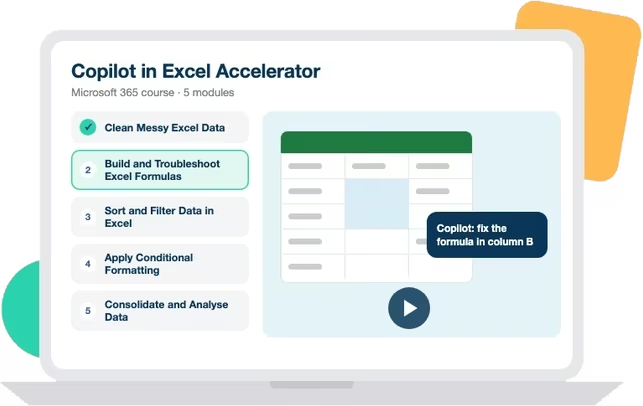
Twelve courses then step up through app-specific accelerators to agents and Cowork.
Is this just prompt-writing training?
No. Prompting is one part of it.
Lessons show people completing real tasks in the real apps, such as summarising Outlook threads, building Excel formulas, turning documents into slides, recapping Teams meetings and building agent workflows.
What will employees be able to do after the training?
Apply Copilot to the work in front of them the same day.
That includes getting their inbox under control, working in Excel in plain English, producing presentations and first drafts faster, recapping Teams meetings and prompting with company data.
Does the training teach responsible Copilot use?
Yes. Lessons cover prompting in ways that respect your data boundaries and checking what Copilot produces before relying on it.
For the judgement that applies to any AI tool, such as spotting hallucinations and knowing what never to share, pair it with the AI Confidence Method.
Do we need Copilot licences before starting?
For the in-app features in Excel, Word, Outlook, PowerPoint and Teams, yes.
The Fundamentals course is useful before licences arrive, as it explains each version of Copilot and what it can do.
Can the training support a Copilot rollout?
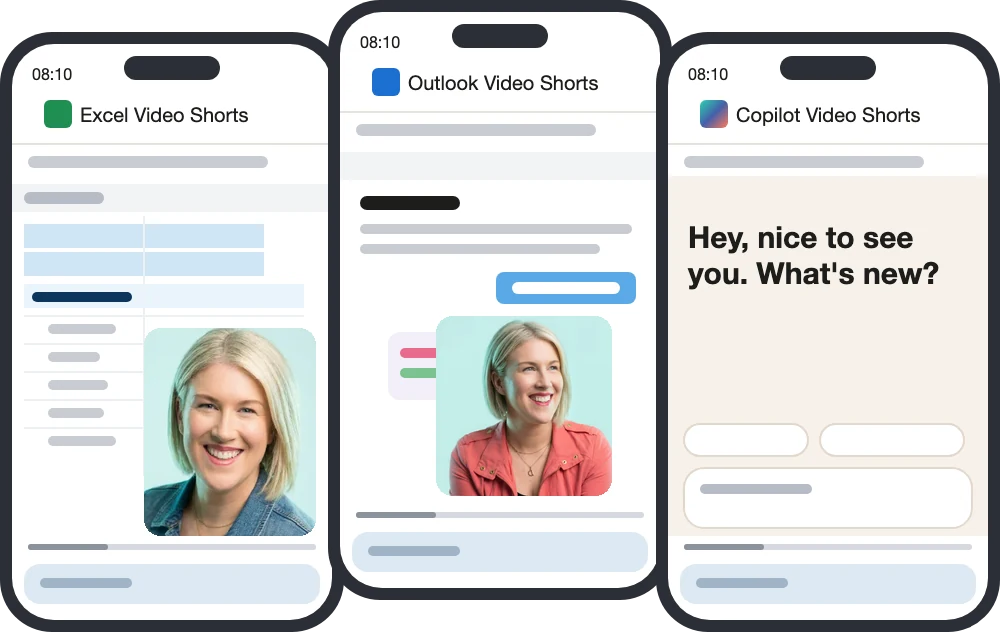
Yes. Short videos help people use their licences from day one, and courses build depth over time.
It works for planned rollouts and for rollouts where usage has stalled.
Can we measure whether Copilot adoption is improving?
Your LMS reports lesson usage and completion. To measure whether people are using AI well, run the Alignment Index before and after.
We'll also work with you to identify the key metrics your business could track, and how the training can help move them.
How often is the content updated?
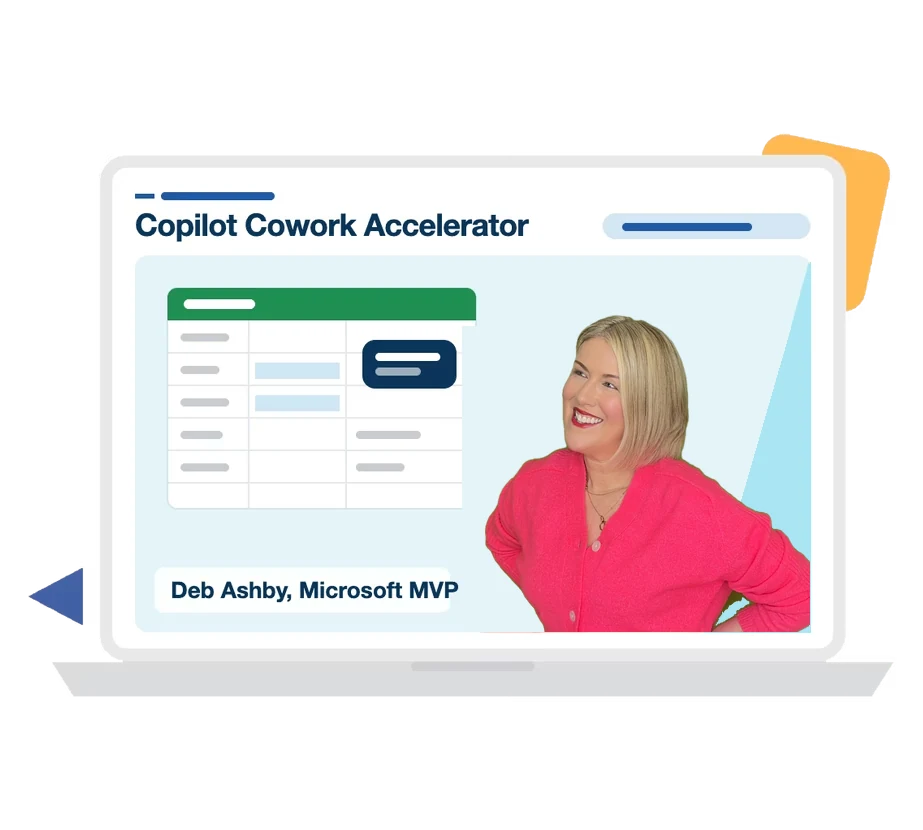
We release new Copilot content every four to six weeks. Deb Ashby, a Microsoft MVP, records against Copilot releases so lessons match the version your people open.
New content and updates are included in your licence at no extra cost.
Can the training be delivered through our LMS?
Yes. Every lesson is a SCORM package that runs in any LMS, LXP or partner platform, and lessons are also available through the Assemble You learning portal.
Lessons are WCAG 2.2 AA and Section 508 compliant, with closed captions.